Product
How Obacht works
It runs on a Raspberry Pi, a Linux machine or a Mac. You run it from the browser.

Set up
Start with what you have
Each way in takes a few minutes. Pick the machine that's already at your place.
Flash the card. Add the bundle. Power on.
Flash Raspberry Pi OS Lite (64-bit, Bookworm or newer) onto the SD card with the Raspberry Pi Imager. Then download a small bundle from the browser and drag it onto the card's boot partition. Power on the Pi. Obacht installs itself on first boot. You don't need a screen or a keyboard.
On first boot a small helper fetches the Obacht agent and checks it against its checksum. The agent connects out to the Obacht network. Your router stays as it is and nothing is public.
01
Flash Pi OS, copy the bundle on
02
Card in, power on
03
A few minutes later it's in your browser


02Install
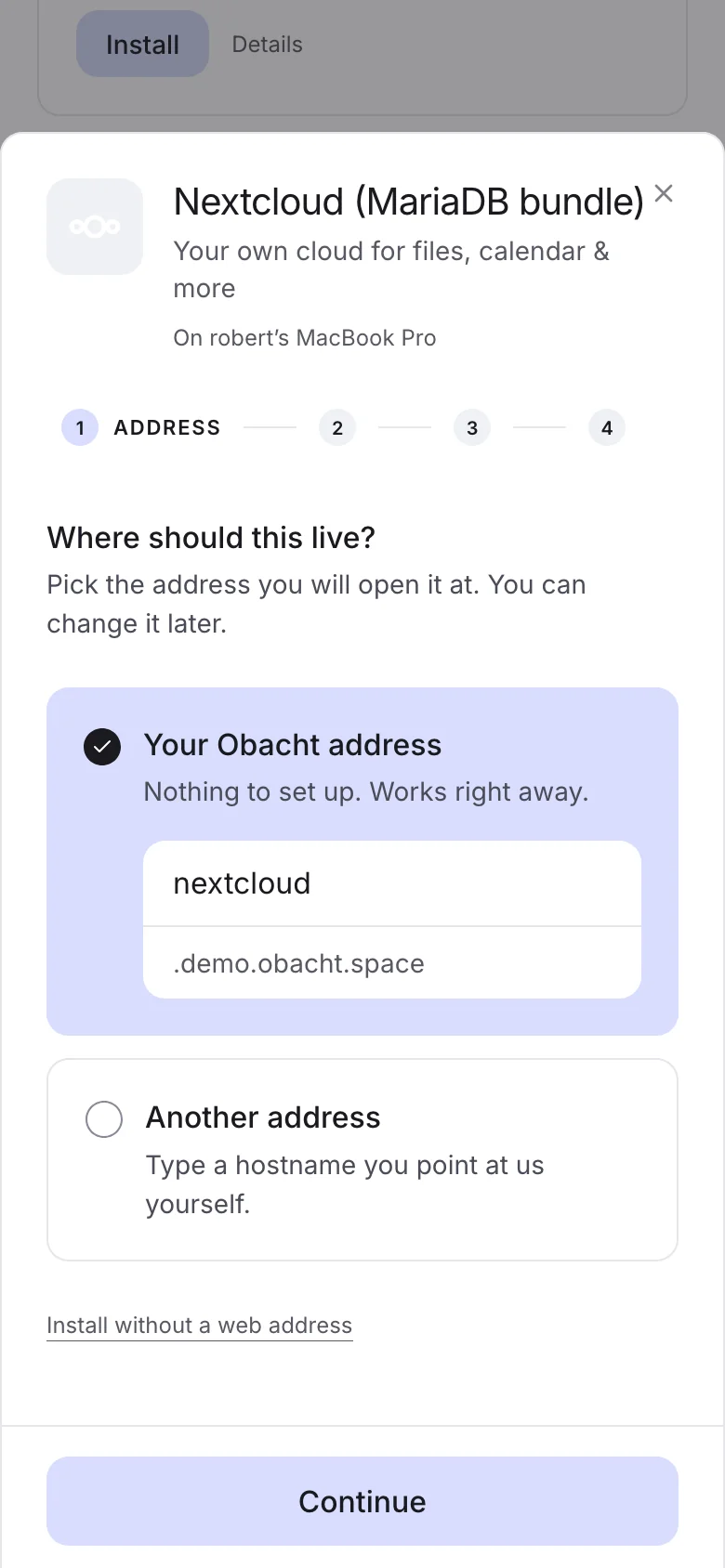
Pick an app. It comes with a web address.
Every app in the catalogue is signed by us. Pick one, choose its address, fill in the few settings it needs and press install. Your device checks the signature before anything runs.
You do
- Pick an app and where it should live
- Fill in the few settings it asks for
Obacht does
- Checks the signature, pulls the app and starts it
- Sets up the address with HTTPS
03Open from anywhere
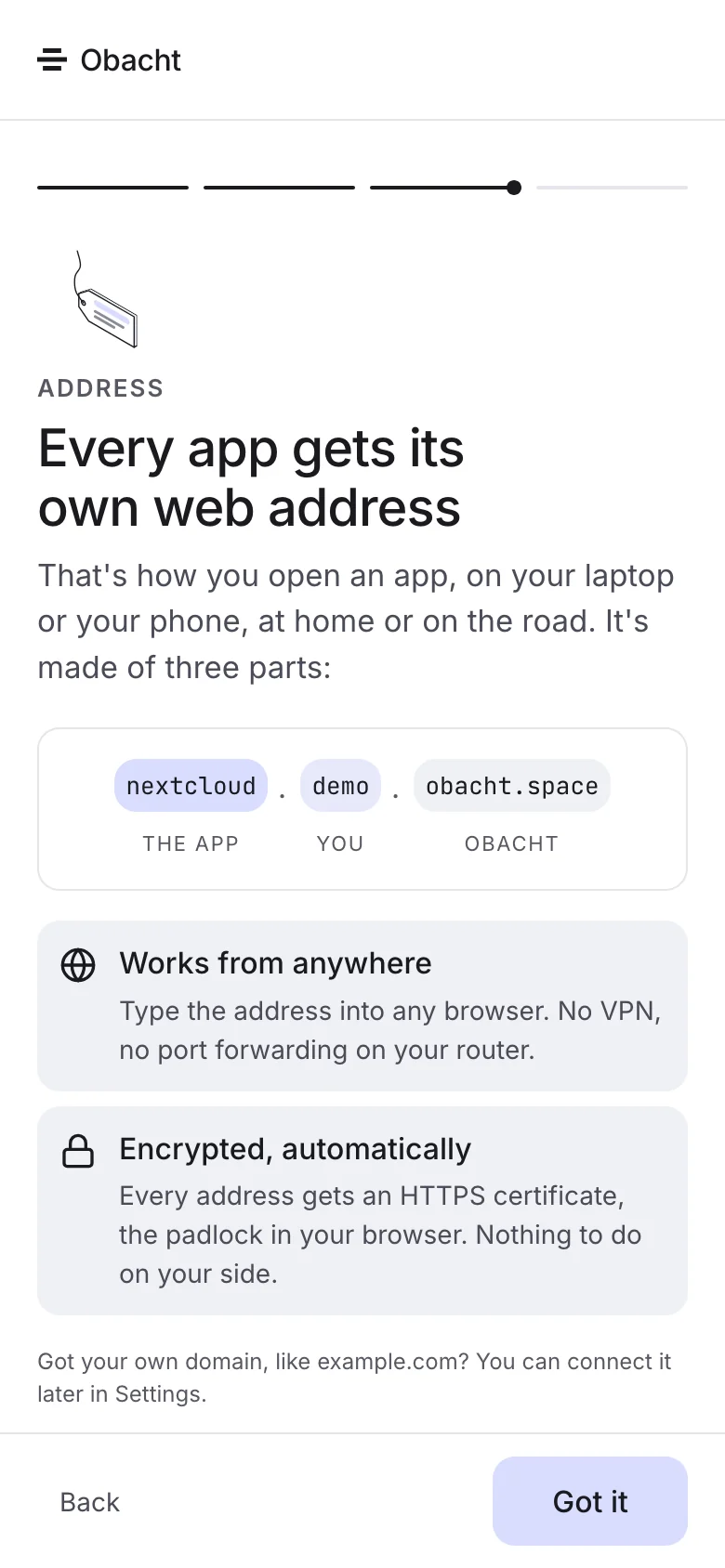
Every app gets a web address
Every app gets an address with HTTPS that works from anywhere. No port forwarding, no static IP. When you install, you pick one of three kinds of address.
You do
- Scan the QR code or share the link
- Switch on password protection if you like
Obacht does
- Routes visits to your device, encrypted the whole way
- Renews the certificate before it runs out
04Keep an eye on it
A mail when something breaks
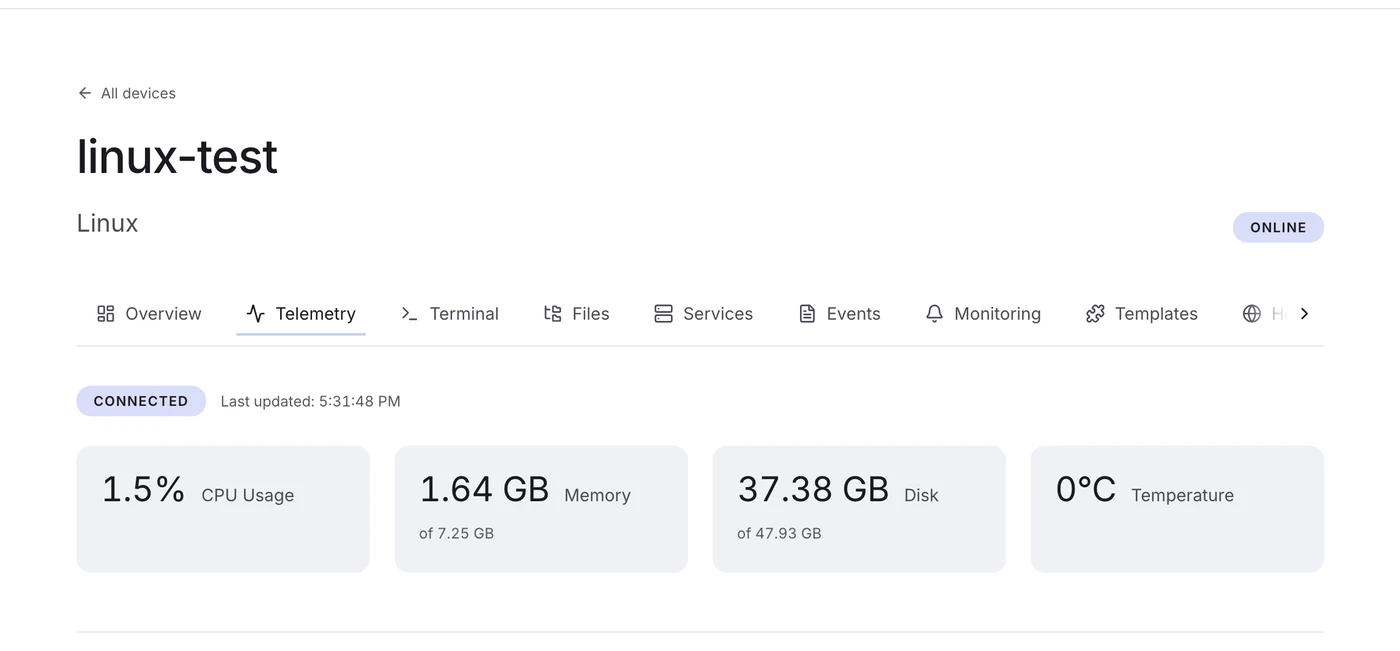
Obacht keeps an eye on CPU, memory, disk and temperature, and on whether each app is running. When a device goes offline or an app stops, you get a mail.
The mail says what stopped and on which device. One click takes you there, and most of the time Restart is enough.
05Dig deeper
A terminal and your files, in the browser
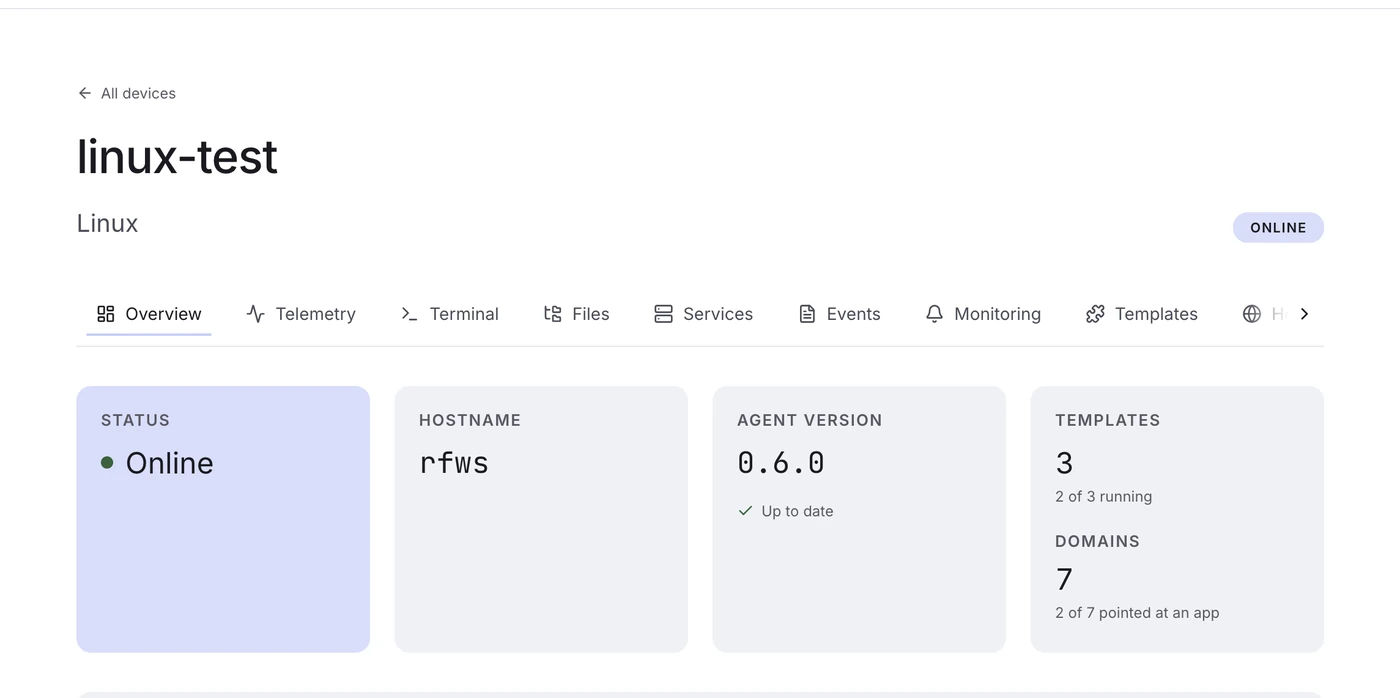
When you want to dig in, the technical view gives you a real shell on the device and a file browser for your apps. No SSH client, no port forwarding.
The device starts in restricted mode: apps, addresses and settings work, the shell stays locked. Switch on power mode when you want a terminal and files. Every change lands in an audit log on the device.
What Obacht does not do
Some things stay with you.
Obacht runs the part in between. The hardware, the data and the apps are yours. That also means backups are your job.
- Obacht doesn't host your apps. They run on your device.
- Obacht doesn't store your app data.
- Obacht doesn't back up your devices.
- Obacht doesn't promise uptime.
- Obacht doesn't stop you from breaking your own config.
See what you can run
Look through the apps, or connect a device and start.